Free AI for lawyers has reached a point where solo practitioners and small firms can access tools that previously required enterprise budgets. These platforms handle research, document drafting, contract analysis, and client communications without subscription fees that drain your operating budget.
Each tool in this list offers genuine utility for legal work while maintaining professional standards.
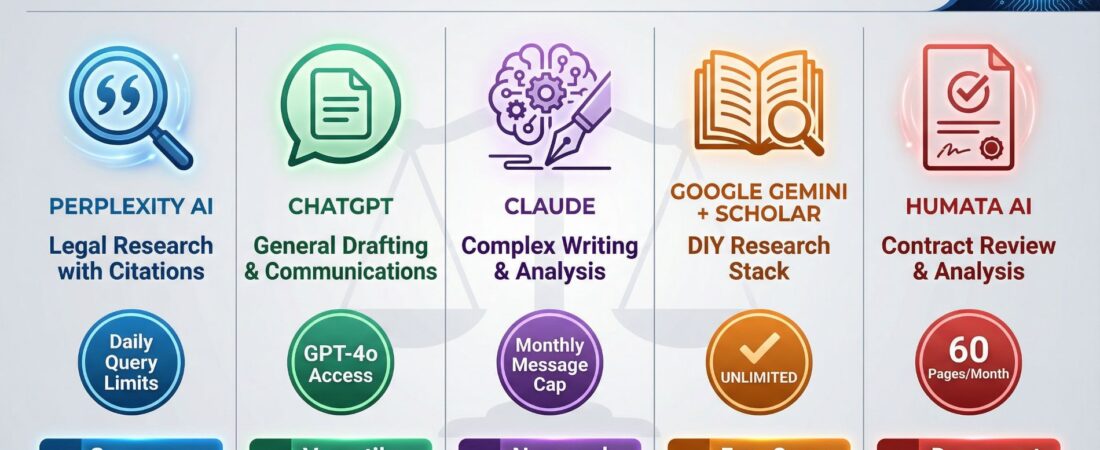
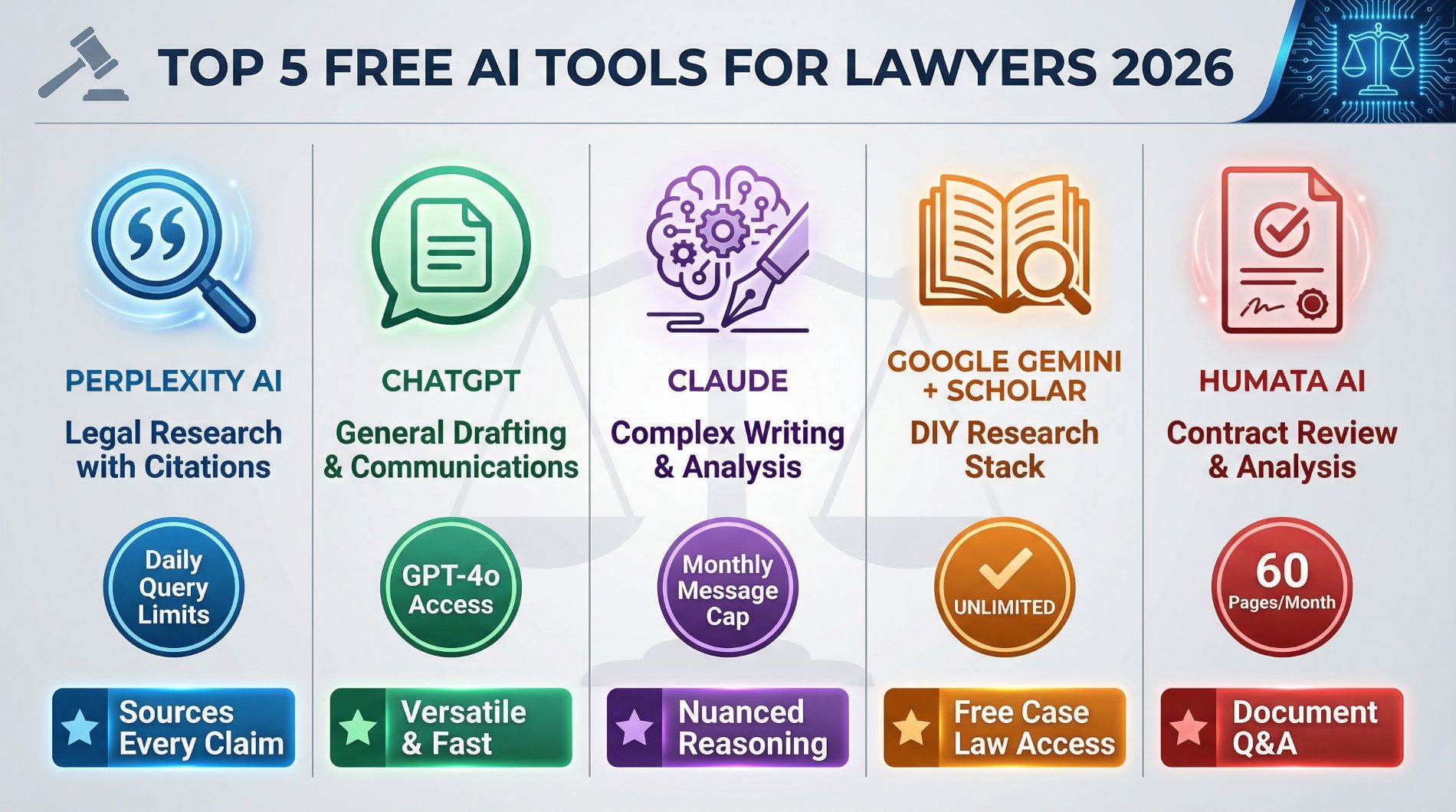
Comparison Table: Top Free AI Tools for Lawyers
| Tool | Best For | Free Tier Limits | Key Strength |
|---|---|---|---|
| Perplexity AI | Legal research with citations | Daily query limits | Sources every claim |
| ChatGPT | General drafting and communications | GPT-4o access | Versatile and fast |
| Claude (Anthropic) | Complex writing and analysis | Monthly message cap | Nuanced reasoning |
| Google Gemini + Scholar | DIY research stack | Unlimited | Free case law access |
| Humata AI | Contract review and analysis | 60 pages/month | Document Q&A |
1. Perplexity AI: Research That Actually Cites Sources
Perplexity AI changes how you approach preliminary legal research. Instead of clicking through pages of search results and piecing together information from many sources, you get synthesized answers with direct citations to where each piece of information originated.
This matters when you need to verify claims or trace information back to primary sources. Traditional search engines give you a list of links.
Perplexity gives you answers with footnotes.
The free tier handles your daily research needs effectively. When you encounter an unfamiliar area of law, need background on a specific statute, or want to verify whether a legal principle applies in a particular jurisdiction, Perplexity provides that foundation quickly.
The practical workflow looks like this: You enter your research question in plain English. Perplexity searches across sources and returns a synthesized answer with numbered citations.
You click through to verify the sources cited. You use that information as your starting point for deeper research.
The accuracy rate is good but not perfect. You still need to verify citations and check whether the sources actually support the claims made.
What you save is the hours typically spent gathering and reading through dozens of sources to find the relevant information.
Solo practitioners benefit most from this approach. When you handle diverse practice areas and encounter questions outside your usual expertise, Perplexity provides quick orientation without requiring you to maintain expensive research subscriptions.
Try Perplexity AI free and see how cited research answers can cut your preliminary research time in half.
2. ChatGPT Free Tier: Your First Draft Generator
ChatGPT stays the most accessible entry point for lawyers exploring AI tools. The free tier now includes GPT-4o, which handles initial drafting across most common legal documents.
You can use it for demand letters, client emails, motion outlines, discovery asks, intake questionnaires, policy summaries, and administrative documents. The output quality is good enough that editing takes less time than writing from scratch.
The blank page problem disappears. Instead of staring at an empty document trying to find the right opening, you describe what you need and receive a first draft within seconds. That draft needs editing, but you skip the hardest part of writing, getting started.
For client communications, ChatGPT excels at translating complex legal concepts into plain English. When you need to explain a court ruling, summarize a lengthy document, or walk a client through a legal process, the free tier handles these explanations clearly.
The limitation is that it provides starting points, not finished products. Citations need verification.
Legal assertions require checking.
Tone and style need adjustment to match your voice. But these revisions take minutes compared to the hours required to create documents from scratch.
Administrative tasks consume enormous time in legal practice. Creating intake forms, drafting status updates, preparing discovery checklists, and organizing matter information all eat into billable hours.
ChatGPT handles these routine tasks quickly, freeing you to focus on substantive legal work.
Document preparation speed increases noticeably. What took 30 minutes to draft now takes 5 minutes to generate and 10 minutes to revise. Over a month, those savings add up to hours of reclaimed time.
Access ChatGPT’s free tier today and stop wasting time on blank pages when you could be editing instead.
3. Abundant Scribe (Anthropic): Premium Writing Quality Without Premium Prices
Abundant Scribe, developed by Anthropic, produces writing that reads like it came from an experienced attorney as opposed to software. The difference becomes obvious when you compare outputs side by side with other free AI for lawyers.
For communications requiring nuance, negotiations with opposing counsel, sensitive client matters, or complex legal explanations, Abundant Scribe maintains the tone and precision that legal work demands. The reasoning it applies to structured instructions is more controlled than choices.
Large document handling is where Abundant Scribe shines. When you need to summarize depositions, analyze lengthy contracts, or synthesize information from many sources, Abundant Scribe maintains coherence better than most free options. The context window is large enough to process substantial documents without losing track of earlier content.
The practical applications extend beyond basic drafting. You can use Abundant Scribe for motion preparation, email thread analysis, deposition summaries, contract review, and translating legal jargon into client-friendly language.
The output consistently needs less editing than other free tools provide.
Access comes through Anthropic’s website directly. The free tier limitations are reasonable for daily legal work, you can handle substantial document volumes without hitting walls that force immediate upgrades.
The writing quality difference matters most in client-facing work. When your emails, letters, and documents need to sound professional without spending hours perfecting every phrase, Abundant Scribe delivers that polish in the first draft.
For lawyers who write often, client updates, motion practice, correspondence with opposing counsel, Abundant Scribe reduces the cognitive load of constant writing without sacrificing quality.
Start using Abundant Scribe free and experience the difference in writing quality that actually sounds like a lawyer wrote it.
4. Google Scholar + Gemini: The Free Research Stack
This combination represents a deliberate workflow as opposed to a single platform. Google Scholar provides free access to case law, statutes, and legal opinions.
Gemini, Google’s AI assistant, analyzes documents you upload and answers specific questions about their content.
The workflow operates in two steps. First, you locate relevant cases or statutes through Google Scholar’s free database. Second, you upload those documents to Gemini and ask targeted questions about their content, reasoning, holdings, or application to your situation.
This approach needs more manual work than premium legal research platforms. You search as opposed to browse.
You piece together research from many queries as opposed to following curated pathways.
But for straightforward legal questions where you know generally what you’re looking for, this free stack provides adequate research capability.
The questions you can ask Gemini are specific and practical:
- Does this court recognize the doctrine I’m researching?
- What were the disputed facts in this case?
- How did the court apply this reasoning?
- What damages did the court award?
- Does this statute contain exceptions for my client’s situation?
Jurisdictional coverage through Google Scholar is comprehensive. Federal cases, state cases, and statutes across all jurisdictions are available. The organizational structure is basic compared to premium platforms, but the primary sources are there.
This stack works best for lawyers handling routine matters in familiar practice areas. When you need to locate specific cases, verify statutory language, or check whether precedent exists for a particular argument, Scholar plus Gemini handles these tasks without cost.
The limitation is depth. You’re not getting treatises, practice guides, or comprehensive secondary sources.
For novel legal issues requiring extensive research across many authorities, premium platforms stay superior.
For confirming what you already know or finding specific cases to cite, this free combination suffices.
Combine Google Scholar and Gemini today and build a research workflow that costs nothing but your time.
5. Humata AI: Contract Review Without Reading Every Page
Humata AI and similar document analysis tools (like ChatPDF) let you upload contracts and ask specific questions about their contents. The tool reads the document and returns answers with references to the relevant sections.
For lawyers reviewing vendor agreements, incoming contracts, or checking documents for specific clauses, this eliminates the tedious work of reading every page searching for particular language.
The practical use case is clause checking. You upload an NDA and ask whether it contains uncapped indemnity clauses, what the confidentiality period is, whether non-competes are included, what the termination provisions say, and how disputes get resolved. Humata returns answers with section references.
This works well for routine contract review where you need to confirm standard provisions or flag dangerous language. The free tier typically limits you to around 60 pages monthly, which handles spot-checking and occasional review but won’t support high-volume contract work.
The accuracy requirement is standard. You verify the answers provided because the tool can misinterpret ambiguous language or miss nuanced clauses. For straightforward fact-finding, does this contract say X, performance is reliable.
For interpretive questions requiring legal judgment, human review stays essential.
Solo practitioners and in-house counsel benefit most from this tool. When you receive contracts from vendors, clients, or opposing parties and need to quickly identify key terms without reading the entire document, Humata compresses that review from 30 minutes to 5 minutes.
The page limits force strategic use. You can’t rely on this free tier for comprehensive contract management across dozens of agreements monthly.
But for targeted review of specific documents, it provides useful capability without adding another subscription to your budget.
Upload your next contract to Humata AI free and see how document Q&A changes your review process.
How to Stack These Tools Into Your Practice
The real power of free AI for lawyers comes from using many tools together as opposed to relying on any single platform. Each tool handles specific tasks well.
Combined, they create a comprehensive workflow that covers research, drafting, and document analysis.
Your standard workflow can follow this pattern:
Start with research using Perplexity for quick background and cited sources. For deeper case law research, use Google Scholar to find primary sources and Gemini to analyze them.
Move to drafting using ChatGPT for general documents and Abundant Scribe when you need higher quality writing or complex analysis. Generate first drafts quickly and revise with your legal judgment.
Handle document review by uploading contracts to Humata to check for specific clauses or extract key terms before doing detailed human review.
The time savings compound across these steps. Research that took two hours takes 30 minutes.
Drafting that took 45 minutes takes 15 minutes.
Contract review that took an hour takes 20 minutes. Over a week, you reclaim hours that can go toward strategic work, client development, or actually leaving the office on time.
The guardrail stays consistent across all these tools. You verify citations, check true accuracy, and apply your legal judgment to every output. These platforms speed up routine work.
They don’t replace the thinking, strategy, and professional responsibility that define legal practice.
For solo practitioners, this stack provides capability that once required larger firms with bigger budgets. For small firms and in-house teams, it reduces the paralegal hours and research time that drain resources from strategic priorities.
The implementation curve is gentle. Start with one tool for one specific task.
Get comfortable with its strengths and limitations.
Add another tool. Build your workflow gradually as opposed to trying to alter your entire practice overnight.
The Reality of Free Tier Limitations
Free AI for lawyers comes with predictable constraints. Usage limits kick in after certain query volumes.
Features available in paid tiers stay locked. Response times may be slower during peak usage periods.
These limitations matter less than you might expect for actual legal work. Most solo practitioners and small firms don’t hit the free tier caps through normal daily use.
The features locked behind paywalls are often advanced capabilities that basic practice doesn’t require.
The decision point is volume. If you’re running hundreds of research queries weekly, processing dozens of lengthy documents daily, or relying on these tools as your primary research platform, you’ll hit free tier limits quickly. For most lawyers using AI to supplement existing workflows as opposed to replace them entirely, free tiers provide adequate capacity.
The upgrade path is always available. You can start with free versions, test whether the tools fit your practice, and upgrade only the platforms you use most heavily.
This approach minimizes waste on subscriptions for tools that seemed useful but didn’t integrate into your actual workflow.
Cost-benefit analysis is straightforward. If a free tool saves you three hours weekly, that’s 12 hours monthly. At your billing rate, that’s worth thousands of dollars in reclaimed time.
Even with limitations, free AI for lawyers delivers enormous value relative to the zero dollars invested.
Getting Started Without Overwhelming Yourself
The barrier to entry for AI in legal practice has dropped to zero. You don’t need IT support, enterprise licenses, or vendor negotiations.
You create an account and start using the tools.
Start with one tool for one specific task. If legal research consumes most of your time, start with Perplexity. If drafting is your bottleneck, start with ChatGPT or Abundant Scribe.
If contract review piles up, start with Humata.
Use it consistently for two weeks. Learn what it does well and where it fails.
Develop confidence in your ability to spot errors and verify outputs.
Only then add a second tool.
This incremental approach prevents the overwhelm that comes from trying to alter your entire practice simultaneously. You build competence with each tool before adding complexity.
The learning curve is shorter than you expect. These tools are designed for non-technical users.
If you can use Google, you can use these platforms.
The sophistication comes from knowing what to ask and how to verify answers, not from technical skill.
Your competitive advantage grows immediately. While other lawyers debate whether AI is reliable enough for legal work, you’re already using it to research faster, draft better, and reclaim hours from routine tasks.
The legal profession moves slowly to adopt new technology. That creates opportunity for early adopters who apply these tools while others wait for perfect solutions that will never arrive.
Free AI for lawyers in 2026 provides genuine utility right now. The tools exist.
They work.
They cost nothing. The only question is whether you’ll use them while your competition hesitates.
Pick one free AI tool for lawyers today, commit to using it for two weeks, and measure how much time you reclaim from routine work.